How to make QR code labels for your food storage
Updated · 6 min read
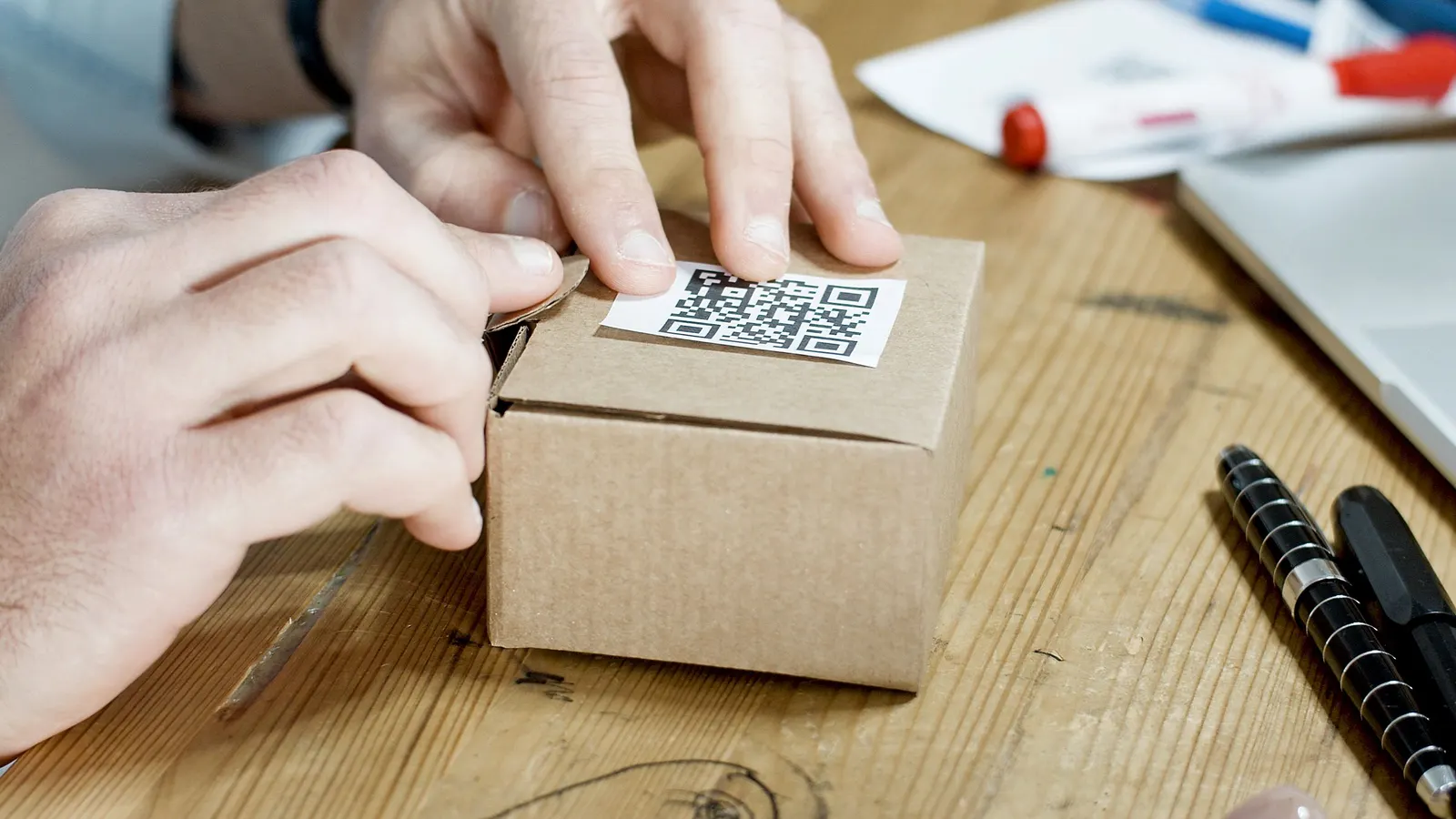
A QR code on a shelf or bucket turns a quick phone scan into an answer: what's on this shelf, what's in this bucket, and when it was packed. You don't need special equipment - any phone camera reads them, and any printer can make them.
Why QR codes instead of regular barcodes
- Every phone camera reads them, with no app needed.
- They can hold a link or a few lines of text, not just a number.
- They scan from an angle and still work when a corner is scuffed.
Decide what the code should hold
- A link to a page that lists what's there. The label never has to change - the list behind it does. Best for shelves and storage spots.
- Plain text, like "Pinto beans, 25 lb, packed Oct 2026". Works with no internet, but the label is out of date once you use some.
Choose a QR maker carefully
Many free QR code websites make dynamic codes: the code points at their service, which forwards to your link. If the service shuts down or starts charging, every label stops working. Look for a maker that creates static codes, where your link or text is stored in the code itself. Static codes work forever.
Size and printing
- At least ¾ inch (2 cm) square for scanning up close. A rough rule: a phone reads a code from about ten times its width, so a 1-inch code scans from about 10 inches away.
- Keep a white margin around the code - scanners need it to find the edges.
- Black on white. Light codes on dark backgrounds often won't scan.
- Test one with your phone before printing a whole sheet.
Labels that last
| Where it goes | What to use |
|---|---|
| Dry pantry or closet shelf | Ordinary paper labels |
| Damp basement | Waterproof (vinyl or polyester) labels, or clear tape over paper |
| Freezer | Labels rated for freezer temperatures, stuck on before freezing |
| Jars you reuse | Removable or dissolvable labels |
Where to stick them
- Shelves: on the front edge, where you can scan without moving anything.
- Buckets and bins: on the lid and the side, so they scan when stacked.
- Freezer baskets: on the basket, not the food, so the label stays put.
More guides
- How to organize a basement food storage roomShelves, zones and a simple map that make a basement or storage room easy to use: what goes where, keeping it cool and dry, and knowing what's on each shelf.
- How to choose a label printer for your kitchen and pantryWhat to look for in a label printer for pantry, freezer and food storage labels: thermal or ink, print quality for QR codes, label costs, and labels that last.
- Choosing a barcode scanner for home inventoryDo you need a barcode scanner, or is your phone enough? What to look for - Bluetooth, keyboard mode, 1D vs 2D - for scanning groceries at home.