
How to choose a label printer for your kitchen and pantry
Updated · 6 min read
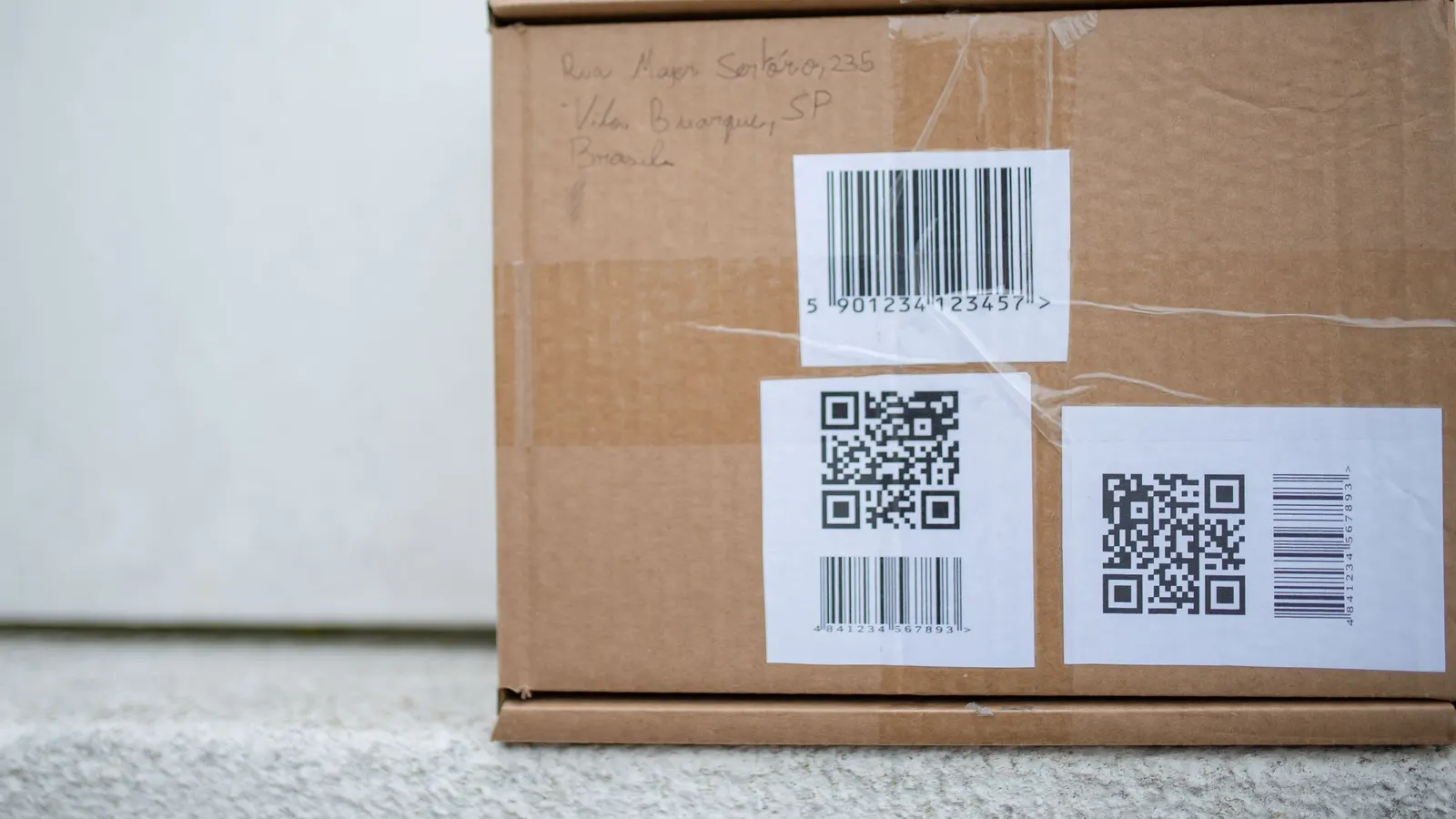
Labels make a kitchen easier to run: dates on leftovers, names on canisters, codes on storage shelves. Whether you need a label printer depends on how often you label, and the kind you need depends on how long the labels have to last.
Do you need one?
For labels you print once - shelves, bins, a batch of pantry canisters - the printer you already have and a pack of label sheets is enough. A label printer earns its place when you label all the time: freezer bags every week, leftovers every night, jars after every canning day.
The three kinds
- Direct thermal: no ink at all - heat darkens special label paper. Cheap to run and quick. The print fades over months with heat and sunlight, so it's best for short-lived labels like leftovers and freezer meals.
- Thermal transfer: heat melts ink from a ribbon onto the label. Lasts for years and stands up to damp and cold. Costs more, and worth it for long-term storage.
- Your regular printer with label sheets: prints a whole sheet at a time. Laser prints don't smear when wet; inkjet prints can, unless the labels are made for it.
What to look for
- Print resolution: 300 dpi prints small text and small QR codes much more clearly than 203 dpi. If you'll print codes under about an inch, go for 300.
- Prints like a normal printer: some label printers only print from their own phone app. One that shows up as a regular printer on your computer or phone can print from any web page or app.
- Standard labels: some printers only take their own labels, sometimes with a chip that blocks others. Printers that take standard rolls cost far less to keep running. Check the price per label, not just the printer.
- Label sizes: make sure it takes the sizes you'll use - small for jars and spice tins, wider for bins and shelves.
- Freezer and waterproof labels: check they're available for it if you'll label frozen or damp things.
- Connection: USB is simple; Bluetooth or Wi-Fi lets you print from your phone in the kitchen.
Quick guide
| What you're labeling | Good choice |
|---|---|
| Leftovers and weekly freezer meals | Direct thermal |
| Long-term storage, canning, damp basements | Thermal transfer, or laser on waterproof labels |
| Shelves and bins, once | Your regular printer and label sheets |
| Reused jars and canisters | Any of these, with removable labels |
More guides
- How to make QR code labels for your food storageMake QR code labels for shelves, bins and buckets that any phone can scan: what to put in the code, how big to print it, which labels last, and where to stick them.
- How to make your own barcodes for food storageLabel home-canned jars, repacked bulk food and freezer bags with your own codes, so a quick scan tells you what it is, when it was packed and how much is left.
- Pantry organization ideas that actually lastPractical pantry organization ideas for any size pantry or cupboard: zones, the right containers, labels, risers and bins - and the habits that keep it from turning back into a mess.